
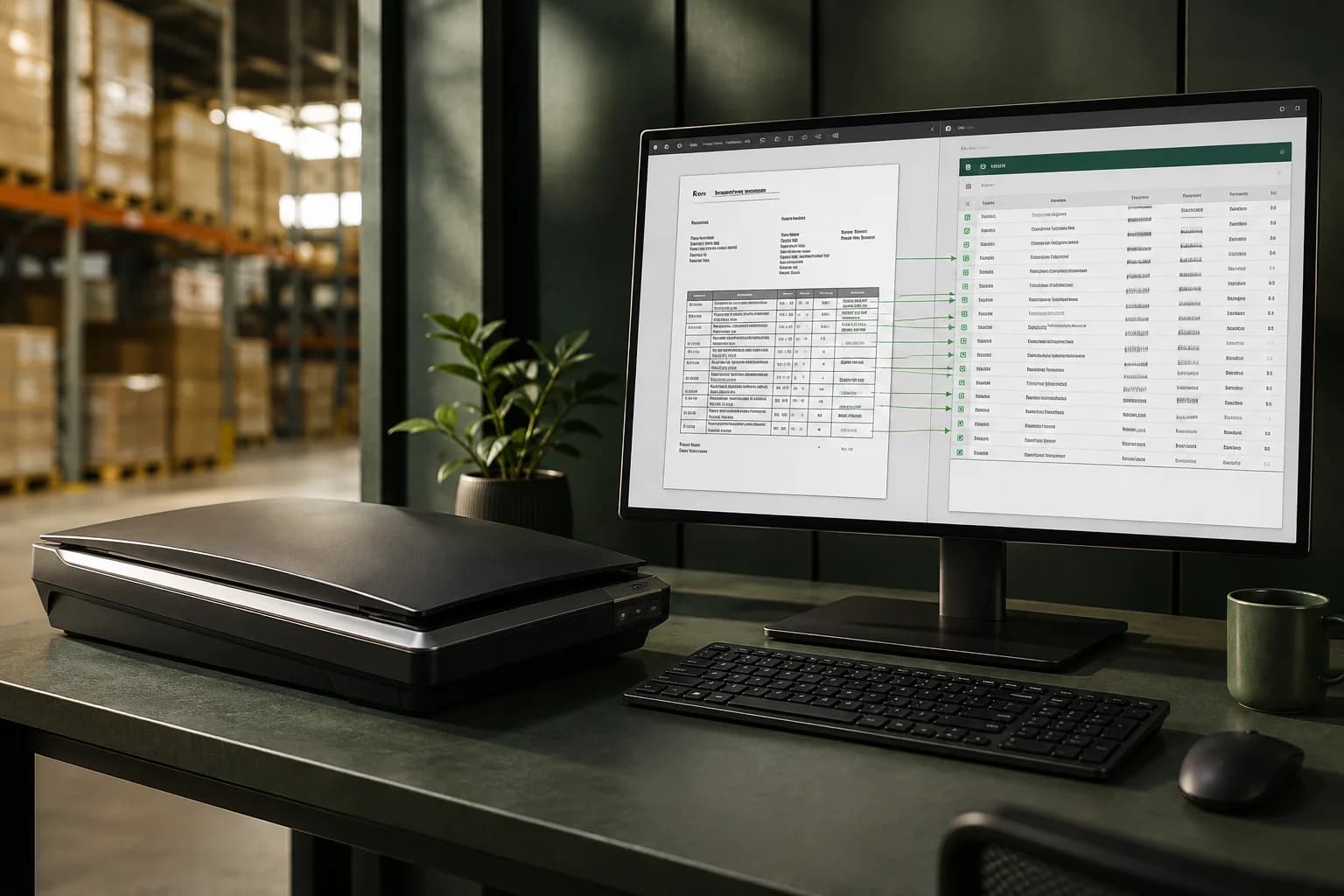
Moving a PDF purchase order into an ERP requires more than copying visible text. The document describes what the buyer wants; the ERP requires specific customer, item and commercial records. A reliable conversion keeps those two representations connected through review and import.
The difficulty often sits in the layout. Descriptions wrap across rows, line items continue after page breaks and a scanned stamp obscures a quantity. Before choosing OCR or an AI extractor, examine a sample of the actual PDFs and define what a reviewer must be able to verify in the original.
Identify text PDFs, scans and mixed documents
A PDF exported from a business application may contain searchable text. A scanned PDF may contain page images, and a mixed document can contain both. Searchable text is useful, but selecting and copying it does not prove that the reading order follows the visual table. Compare a few copied rows with the page before trusting a text-only path.
Choose a processing route that preserves the information needed for your files. OpenAI documents that supported PDF inputs can provide both extracted text and page images to a vision-capable model. That is a provider capability, not a guarantee of correct rows. Dense scans and small print still need representative evaluation and a legible source view.
Set the document boundary before reading the lines
Check whether the file contains one purchase order, several orders or a different document type. Cover letters, terms pages and attachments can look like part of the order without carrying order lines. Agree how to handle a bundled file rather than merging its contents into a plausible single transaction.
Keep the original file and its page order. If an operator splits a bundle into separate orders, retain enough information to connect each result with the original source. Treat notes inside the document as customer-supplied data; they must not change the system's approval rules or authorize unrelated actions.
Reconstruct the table without losing continuation lines
Decide what constitutes a line item. A second description row may belong to the preceding product, while a repeated table heading should not become a product. A line continuing on another page may have its price or delivery date separated from its part number. Preserve the source line reference so a reviewer can check that association.
Test the final page as carefully as the first. Compare expected and returned line counts, retain duplicate-looking lines when the buyer genuinely ordered them separately, and check that freight or discount text has not replaced a product. A matching grand total can hide two compensating errors, so arithmetic alone is insufficient.
- Inspect the first and last line around each page break.
- Preserve item codes as identifiers, including leading zeros.
- Keep uncertain cells visible instead of inventing a value.
- Separate product rows from totals, notes and table headings.
Resolve the customer and product records
The buyer's printed name and item references are source evidence. Match the buyer to a controlled customer record and the destination to an approved delivery location. Resolve each product using an established alias or an explicit reviewer choice. Similar descriptions are especially risky when size, material or electrical specification distinguishes variants.
Confirm units before comparing prices. Twelve boxes at a price per box cannot be compared directly with a catalog price per piece. If the pack size or conversion is missing, stop and obtain the rule. Preserve the original quantity, unit and price alongside the reviewed values so the resulting ERP line remains explainable.
Review the saved order beside the source
Put the page and editable fields in the same review path. The operator should be able to zoom into a scan, move between PDF pages and download the original without losing changes. Show missing records, reading uncertainty and commercial differences as separate issues because they require different decisions.
Save the corrected order before approval and recheck the saved values. Record who accepted a commercial difference and which version was approved. If another person has changed the order in the meantime, require reconciliation rather than overwriting their work. The approved export should remain tied to that fixed version.
Test the receiving ERP with the approved output
Use the ERP's actual test import route. Verify customer identifiers, line grouping, dates, decimal formats and required custom fields. Oracle's NetSuite documentation, for example, describes explicit record identifiers and CSV header/line relationships; producing a generic spreadsheet does not automatically satisfy a receiving system's contract.
After import, open the created sales order and compare every line with the approved output. Retain the ERP identifier and record whether the result was accepted, rejected or uncertain. Test a repeated import before going live so a retry does not unexpectedly create a second order.
Keep the conversion boundary visible
Ordinon supports PDF source review and human-approved CSV exports. It also accepts XLSX, CSV, PNG and JPEG inputs, so customers need not convert an existing spreadsheet to PDF just to fit the workflow. Manual product catalog sync is available through a configured compatible HTTPS connection. A direct write into a specific ERP requires its own mapping, implementation and acceptance checks.